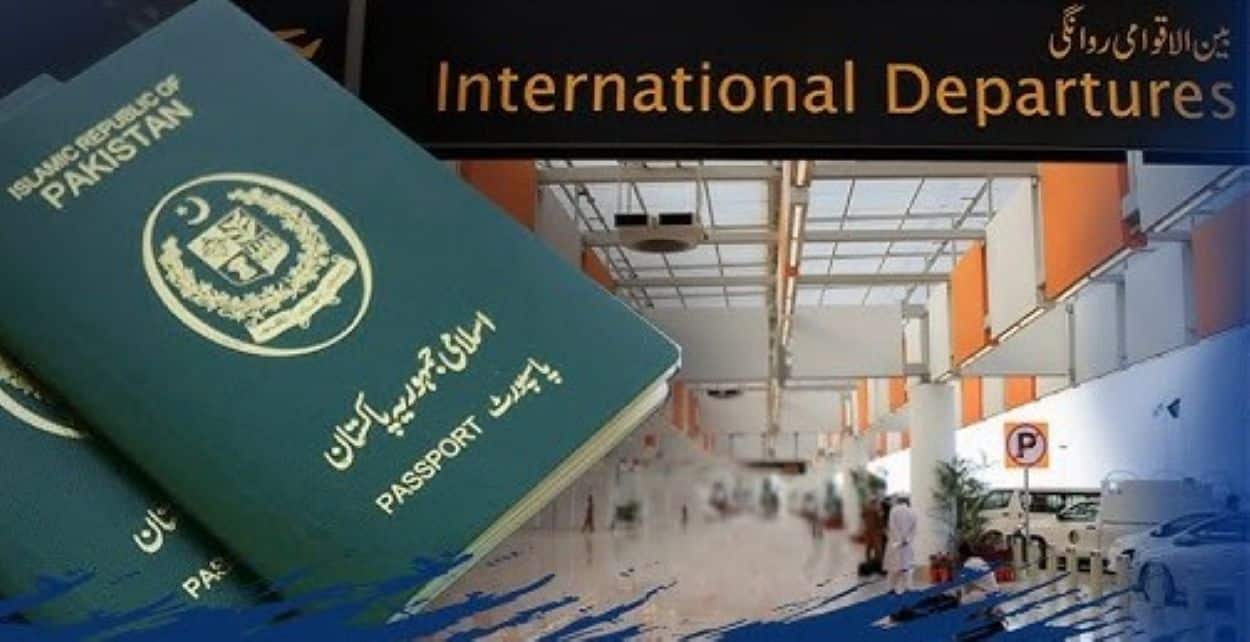

The Directorate of Immigration and Passports has digitised the passport application process. Citizens can apply or renew their travel documents through the official e-Services Portal without visiting an office in person.
The guide provides detailed steps for the online Pakistan passport application.
Applicants must first visit the official website: www.onlinemrp.dgip.gov.pk. New users should click the ‘Register’ button and complete the registration form with accurate personal details. It is important to ensure the provided mobile number and email address are correct. After entering the information and the displayed verification code, clicking ‘Next’ will trigger a verification link to be sent to the registered email.
Clicking this link and entering the verification code you received completes the registration. Returning users can log in using their registered email and password.
Once logged in, users can select from five available application options based on their specific needs. A key requirement for online renewal is that the existing passport must have less than one year of validity remaining. The online system does not permit major changes such as updates to the holder’s name or occupation.
Completing the Application and Submission
Applicants must then fill in the required details. They need to upload a recent photograph meeting the specified guidelines for men and women. All supporting documents and the photograph must be uploaded in PNG, JPG, or JPEG format. Each file size should not exceed 1 MB.
A convenient feature allows applicants to select their nearest passport office from a drop-down menu. This minimises travel if an in-person visit becomes necessary later in the process.
After uploading documents and verifying all entered information, applicants can submit the form and proceed with the online payment.